AI-Generated Content — Research-backed, not based on personal experience
This post contains affiliate links. We may earn a commission at no extra cost to you.
8 Best AI Code Editors That Actually Speed Up Development in 2026
Benchmark comparisons reveal which AI code editors deliver real productivity gains. From Cursor 2.0's multi-agent interface to VS Code's enterprise...
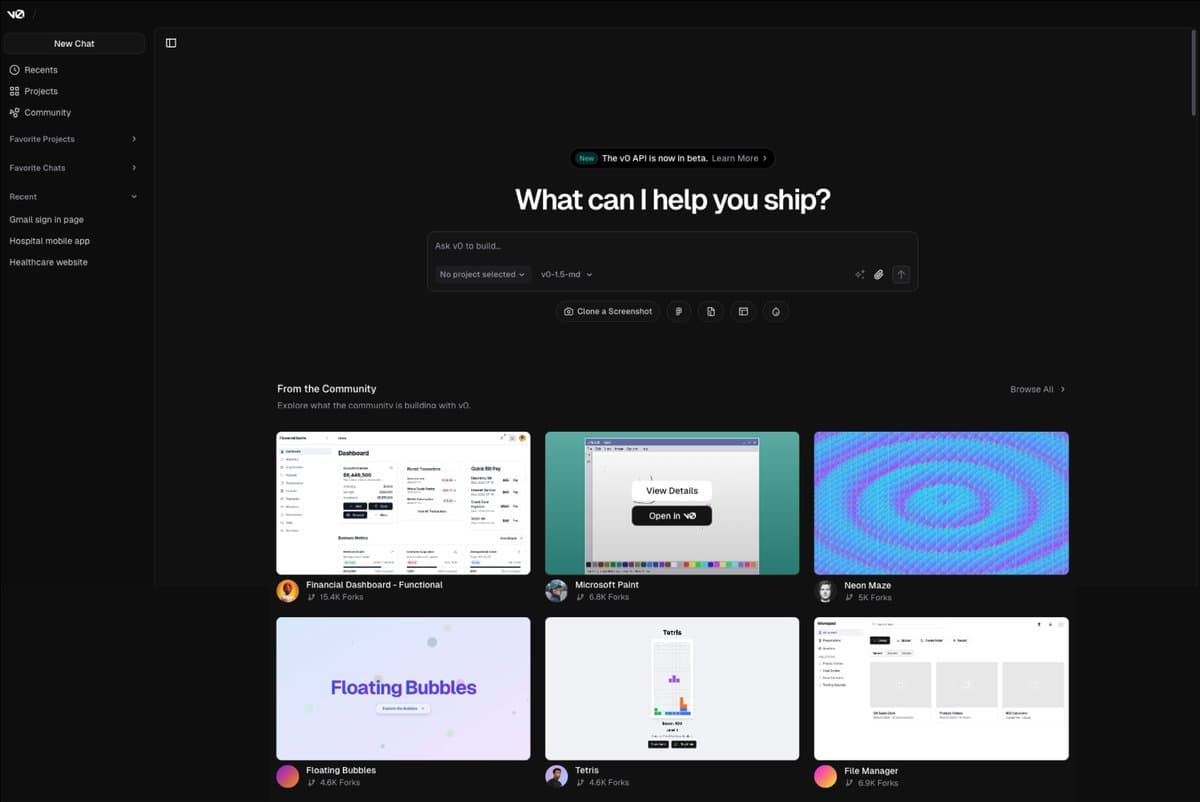
Top AI coding models like GPT-5.2-Codex and Claude 4.5 reportedly score over 55% on SWE-bench Pro benchmarks for real-world tasks, but here's the plot twist: most developers are still using these powerful models through outdated interfaces that slow them down.
The AI code editor market has split into two distinct camps that shouldn't be confused. AI-native IDEs like Cursor and Windsurf build intelligence directly into your workflow. Traditional editors like VS Code bolt AI features onto existing frameworks.
Both approaches work, but they optimize for completely different use cases.
And honestly that terrifies me a little. We're not ready for this conversation about how much our coding workflows are about to change. Early adopters report significantly faster development cycles, but only when they match the right tool to their specific workflow patterns.
Benchmark comparisons reveal that tool choice matters less than workflow discipline. The most productive teams standardize their prompts, evaluation checks, and repository conventions so their AI assistant behaves predictably across projects. But you still need to pick the right foundation to build on.
1. Cursor 2.0
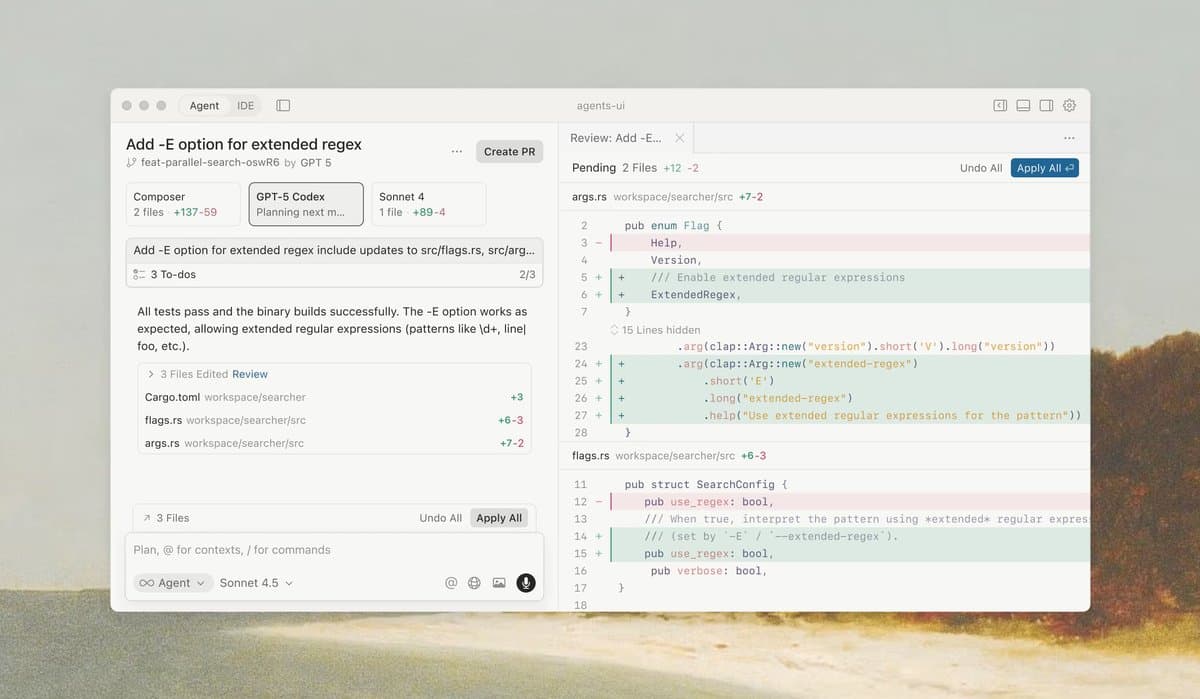
Cursor maintains its position as the performance leader with its redesigned Composer model that operates 4x faster than competitors LogRocket. The multi-agent interface supports up to eight agents running in parallel, which sounds like sci-fi nonsense until you see it handling frontend, backend, testing, and documentation work simultaneously.
The Plan Mode generates editable Markdown plans before writing code. This isn't just fancy autocomplete anymore. You describe what you want to build, Cursor creates a structured plan, you review and edit it, then it executes the entire implementation across multiple files. Users report this workflow eliminates most back-and-forth iterations.
But Cursor's aggressive AI-first approach creates a steep learning curve.
New users often feel overwhelmed by the number of AI features competing for attention. The interface assumes you want AI help with everything, which can slow down experienced developers who prefer manual control for certain tasks.
The subscription model targets professional developers with pricing that reflects its advanced feature set, making it less accessible for casual developers or students. Enterprise teams love the collaborative features, but solo developers might find the feature set overkill for simple projects.
Check out Cursor 2.0 →Bottom line: Cursor 2.0 delivers the fastest AI-powered development workflow for teams building complex applications, but the learning curve and pricing put it firmly in the professional tool category.
2. Visual Studio Code with GitHub Copilot
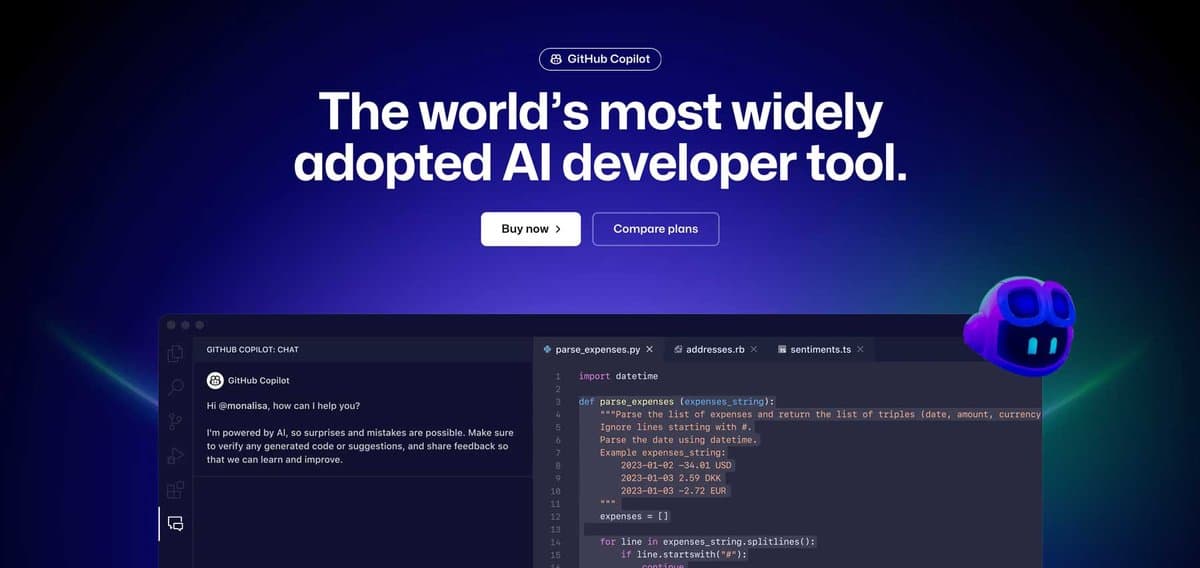
VS Code with GitHub Copilot remains the reference implementation for enterprise AI development F22 Labs. The combination offers enterprise reliability with advanced code generation in an interface most developers already know.
The latest Copilot integration provides solid autocomplete while you type, handles context from multiple files, and suggests entire functions based on comments. It's not the flashiest AI experience, but it's predictable and stable. Corporate development teams appreciate that it doesn't require retraining their entire workflow.
Copilot Chat adds conversational coding assistance without leaving the editor. You can ask it to explain complex code sections, suggest optimizations, or generate tests for existing functions. The responses stay grounded in your actual codebase rather than generic examples.
However, the AI features still feel bolted onto VS Code's existing architecture rather than natively integrated. Switching between different AI functionalities requires multiple panels and context switching. The experience lacks the smooth flow that AI-native editors provide.
Some developers report that Copilot's suggestions become repetitive for certain coding patterns, especially in newer frameworks where training data might be limited. The AI works best with established languages and common libraries.
Check out Visual Studio Code →Bottom line: The safe choice for enterprise teams that need reliable AI assistance without disrupting established development workflows.
3. PlayCode
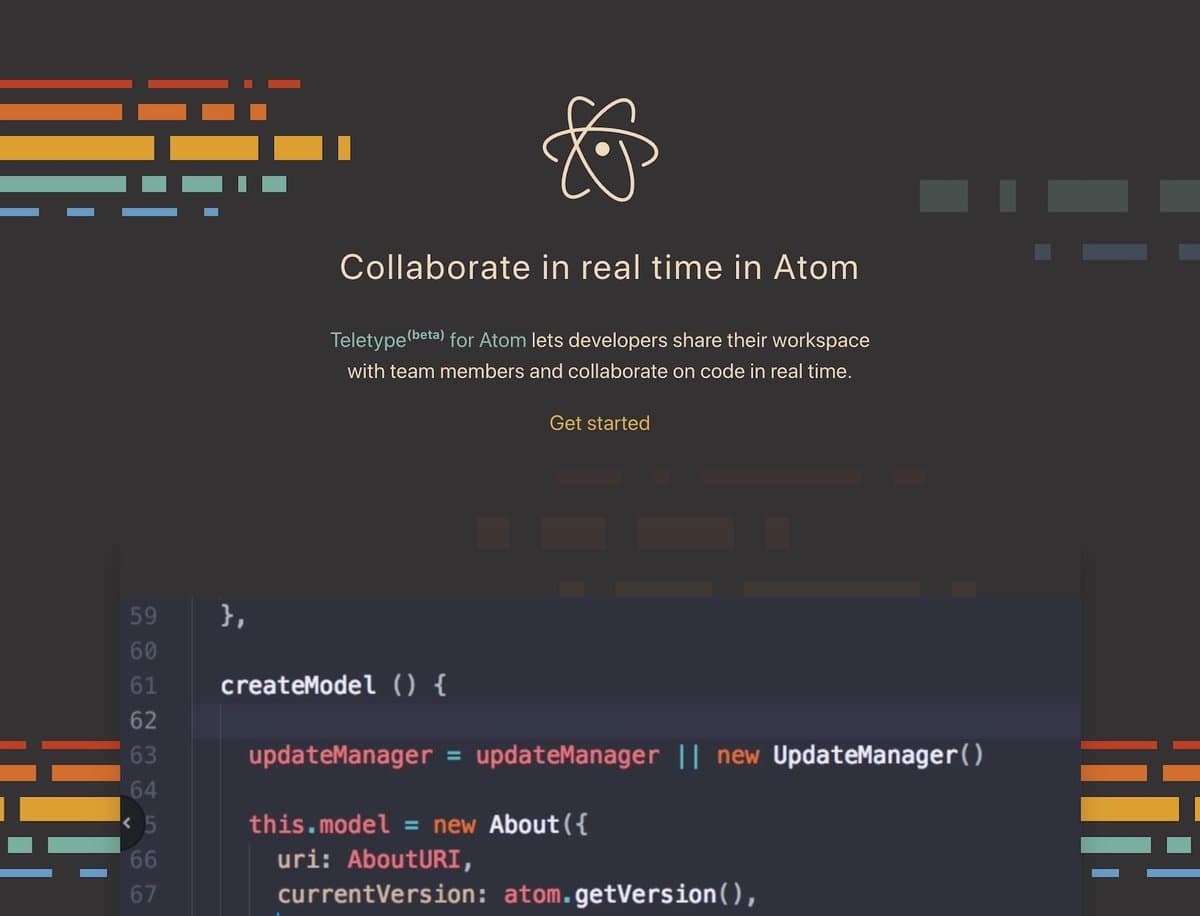
PlayCode brings AI-powered development entirely into the browser, eliminating setup complexity that slows down rapid prototyping. The platform combines a lightweight editor with intelligent code completion and real-time collaboration features that work across devices.
The AI assistance focuses on web development workflows, with particularly strong support for JavaScript frameworks and CSS generation. It understands modern web development patterns and suggests optimizations specific to browser performance. The integrated preview pane updates in real-time as the AI generates code.
What sets PlayCode apart is its zero-configuration approach. You can start a new project, invite collaborators, and begin coding with AI assistance within seconds. No local environment setup, no extension installations, no compatibility issues between team members' machines.
But the browser-based architecture limits its capabilities compared to desktop editors. Complex debugging, system integrations, and resource-intensive projects push against the platform's boundaries. The AI features work best for frontend development and smaller applications.
The subscription tiers remain accessible for individual developers, though advanced collaborative features require team plans. The platform makes sense for agencies, freelancers, distributed teams, and startups that prioritize quick setup over deep customization.
Check out PlayCode →Bottom line: Perfect for web developers who value speed and simplicity over feature-heavy IDE capabilities, especially for client work and rapid prototyping.
4. Windsurf

Windsurf positions itself as an AI-native IDE that treats artificial intelligence as a core part of the development process rather than an add-on feature. The interface integrates AI agents directly into common development tasks like refactoring, testing, documentation generation, and architectural planning.
The platform excels at understanding project context across multiple files and maintaining consistency in coding patterns throughout large codebases. Its AI agents can handle complex refactoring operations that would typically require manual coordination across dozens of files.
Windsurf's approach to error handling and debugging shows particular promise. Instead of just highlighting syntax errors, it suggests solutions and can implement fixes automatically with your approval. The AI understands common error patterns and architectural issues that cause problems down the line.
Early adopters report significant productivity gains for greenfield projects where they can establish AI-friendly patterns from the start. The tool works less effectively when retrofitting onto legacy codebases with inconsistent patterns or unusual architectural choices.
The learning curve resembles other AI-native tools. Developers need to adjust their workflow to take advantage of the AI capabilities effectively. Traditional keyboard-heavy development patterns don't translate directly to Windsurf's more conversational interface.
Check out Windsurf →Bottom line: Strong choice for teams starting new projects who want to build AI assistance into their development workflow from day one.
5. Zed
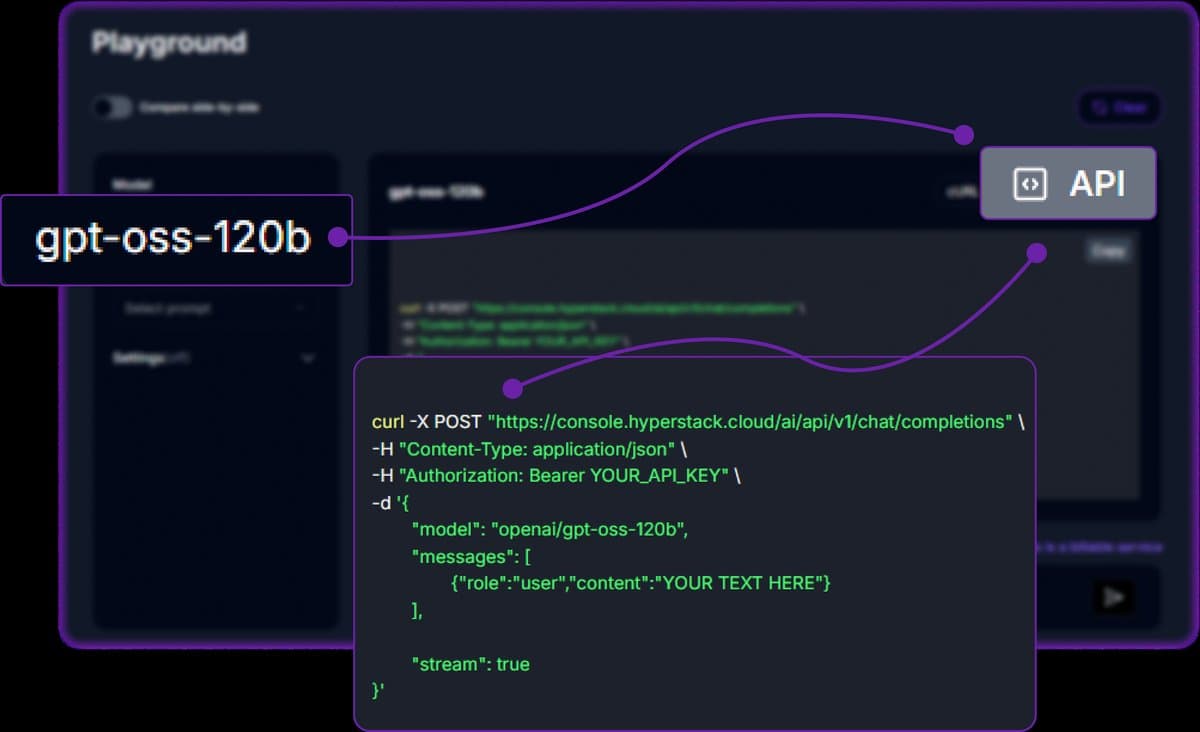
Zed combines high-performance editing with AI assistance while maintaining the responsive feel that performance-conscious developers demand. The editor's Rust-based architecture keeps AI features from introducing the lag that plagues some competing tools.
The AI integration focuses on speed and efficiency rather than wide feature coverage. Code completions appear instantly, the AI chat responds without noticeable delays, and multi-file operations complete faster than browser-based alternatives. This performance advantage becomes vital during intensive development sessions.
Zed's collaborative features work particularly well for pair programming and code reviews involving AI assistance. Multiple developers can interact with the same AI context while working on shared code, creating a more natural collaborative debugging experience.
The tool's minimalist philosophy means fewer AI features compared to Cursor or Windsurf, but the features it does include work reliably. Developers who prefer focused tools over sprawling feature suites find Zed's approach appealing.
However, the smaller feature set can feel limiting for complex projects that benefit from wide-ranging AI assistance. The tool works best for developers who want AI help with specific tasks rather than AI-driven development workflows.
Check out Zed →Bottom line: Ideal for performance-focused developers who want fast, reliable AI assistance without sacrificing editor responsiveness.
6. JetBrains IDEs with AI Assistant
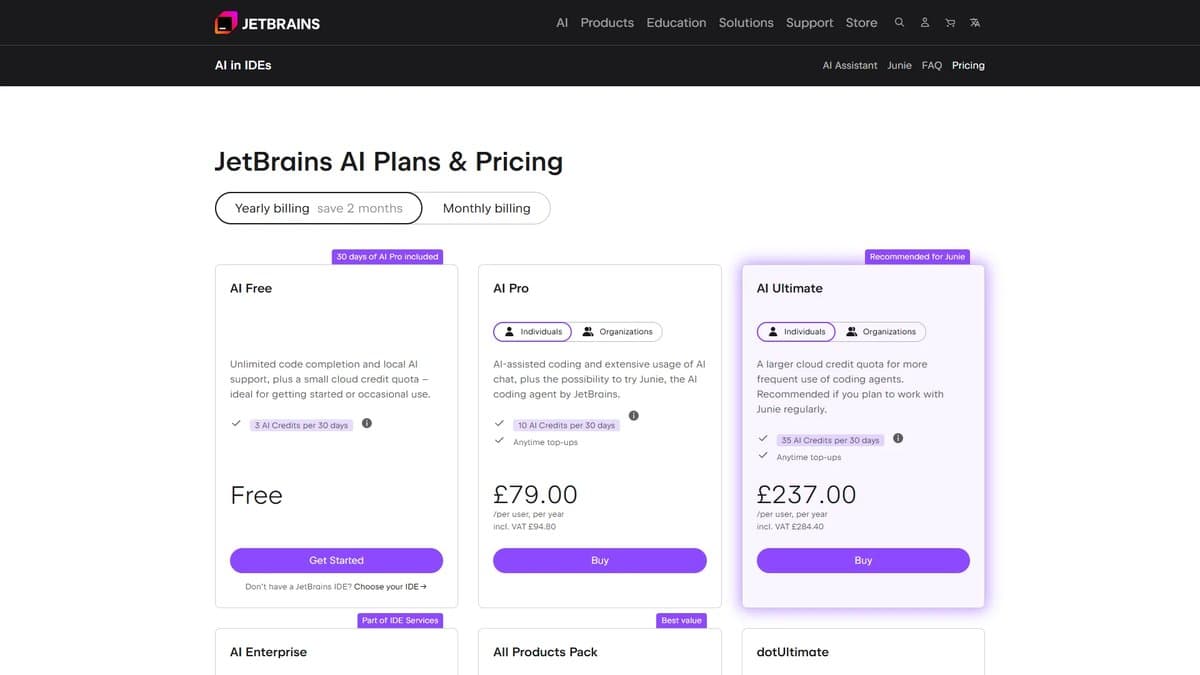
JetBrains has integrated AI assistance across their IDE suite, using their deep understanding of code analysis to provide contextually aware suggestions. The AI Assistant works within the existing JetBrains interface that millions of developers already use daily.
The integration shines in language-specific IDEs where JetBrains has spent years building sophisticated code understanding.
IntelliJ IDEA with AI Assistant provides Java development support that understands framework patterns, design principles, and common architectural decisions in ways that general-purpose AI tools often miss.
PyCharm's AI features excel at data science workflows, understanding common patterns in pandas, NumPy, machine learning libraries, and statistical operations. The AI can suggest optimizations specific to data processing pipelines and help debug complex statistical operations.
But the AI features feel conservative compared to newer AI-native alternatives. JetBrains prioritizes reliability over advanced capabilities, which appeals to enterprise developers but might frustrate those wanting more aggressive AI assistance.
The subscription model for JetBrains IDEs with AI features represents a significant investment, especially for solo developers or small teams. The value proposition works better for established development teams with existing JetBrains licenses.
Check out JetBrains AI →Bottom line: Best choice for developers already invested in the JetBrains environment who want reliable AI features without changing their established workflows.
7. Tabnine
Tabnine focuses on intelligent code completion across a broader range of editors and languages than platform-specific solutions. The tool integrates with VS Code, IntelliJ, Vim, and dozens of other editors, making it accessible regardless of your preferred development environment.
The AI model training includes code from your specific projects, allowing Tabnine to suggest completions that match your team's coding patterns and naming conventions. This personalization creates more relevant suggestions than generic AI models trained only on public repositories.
Privacy-conscious teams appreciate Tabnine's on-premises deployment options and clear data handling policies. Enterprise installations can keep all code analysis and AI processing within their own infrastructure, addressing security concerns that prevent some organizations from adopting cloud-based AI tools.
Tabnine's broad language support covers everything from mainstream languages to specialized domain-specific languages. This breadth makes it valuable for polyglot developers and teams working across diverse technology stacks.
However, the focus on code completion means Tabnine lacks the wide-ranging project-level AI assistance that tools like Cursor provide. It excels at line-by-line productivity improvements but doesn't help with architectural decisions or complex refactoring operations.
The pricing tiers accommodate different team sizes and security requirements, though enterprise features require higher-tier subscriptions that might not justify the cost for smaller teams.
Check out Tabnine →Bottom line: Perfect for teams that need AI code completion across multiple editors and languages while maintaining control over their code data.
8. Claude Code (via API)
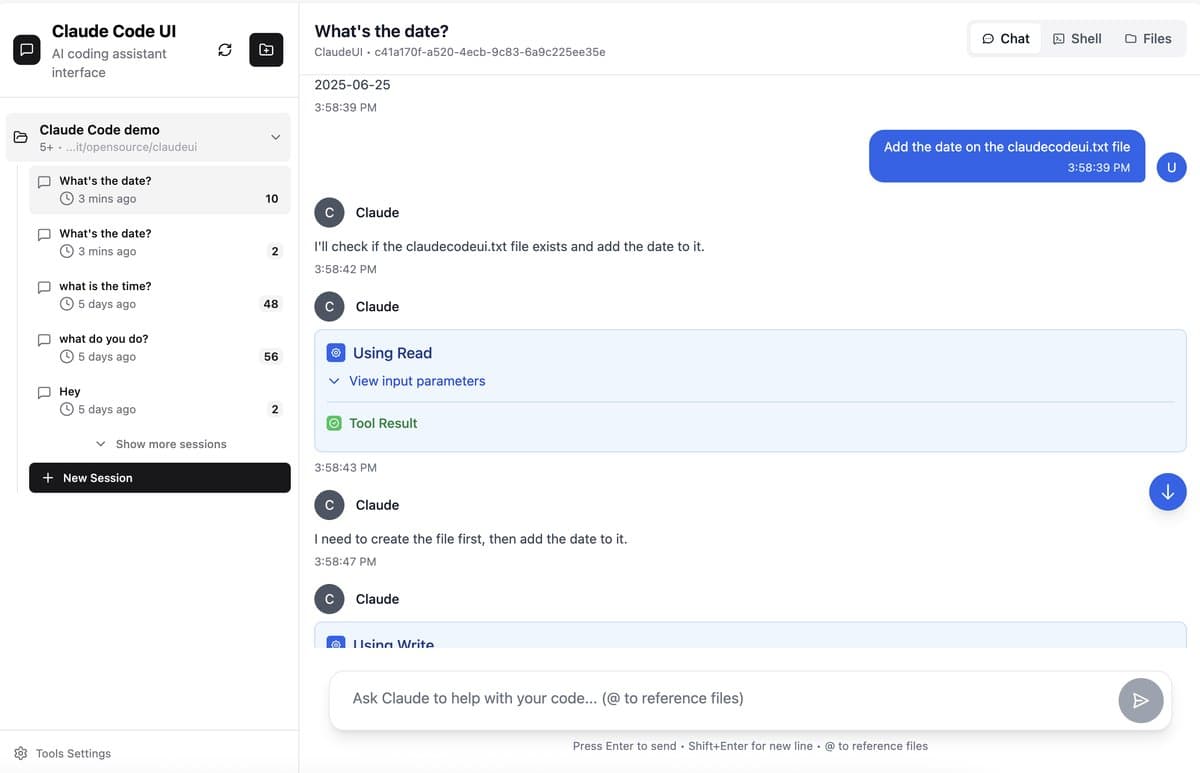
Claude Code represents a different approach: accessing advanced AI capabilities through API integration rather than dedicated IDE features. Claude 4.5 scores over 55% on SWE-bench Pro benchmarks, making it one of the most capable coding AI models available DevSphere.
Developers integrate Claude through custom scripts, editor extensions, or direct API calls, creating workflows tailored to their specific needs. This flexibility allows for creative applications like automated code reviews, architectural analysis, and documentation generation that pre-built tools might not support.
Claude excels at longer reasoning tasks and complex code reviews better than most alternatives Reddit. It can analyze entire codebases, understand architectural patterns, and provide detailed explanations of complex algorithms.
The conversational interface works particularly well for exploratory programming, where you need to discuss trade-offs and alternatives before implementing solutions. Claude can reason through multiple approaches and explain the implications of different design decisions.
However, API-based access requires more technical setup and doesn't provide the integrated experience that purpose-built coding tools offer. Developers need to build their own interfaces or rely on community-created extensions that may lack polish.
The usage-based pricing can become expensive for heavy development work, especially when processing large codebases or generating extensive documentation. Teams need to monitor API usage carefully to avoid unexpected costs.
Check out Claude Code →Bottom line: Best for developers who want access to the most capable AI reasoning for coding tasks and don't mind building custom integration workflows.
How to Choose the Right AI Code Editor
The decision between AI-native IDEs and traditional editors with AI features depends on your workflow priorities. AI-native tools like Cursor and Windsurf work best for teams building new applications where you can establish AI-friendly patterns from the start.
Traditional editors like VS Code with Copilot better serve established teams with existing workflows and enterprise requirements.
Performance requirements matter more than most developers realize. Browser-based solutions like PlayCode excel for web development but struggle with resource-intensive applications. Desktop editors handle complex projects better but require more setup and maintenance.
Team collaboration patterns influence tool choice significantly. Distributed teams benefit from browser-based solutions with built-in collaboration features. Co-located teams might prefer desktop tools with more thorough AI assistance, even if sharing requires additional coordination.
The most productive developers I've observed don't just adopt AI tools; they redesign their workflows around AI capabilities. They standardize prompts, create evaluation procedures, and establish repository conventions that make AI assistance predictable and reliable.
Frequently Asked Questions
Which AI code editor provides the fastest development workflow in 2026?
Benchmark comparisons reveal Cursor 2.0 delivers the fastest AI-powered development with its Composer model operating 4x faster than competitors and multi-agent support for parallel processing across different aspects of development.
Are AI-native editors worth learning if I'm already proficient with VS Code?
The transition depends on your project types. New applications benefit significantly from AI-native workflows, while maintaining existing codebases often works better with familiar editors enhanced by AI features rather than completely new environments.
What's the difference between AI code completion and AI coding agents?
Code completion suggests individual lines or functions as you type. AI coding agents handle multi-file operations, architectural planning, and complex refactoring tasks that span entire project structures. Most modern tools combine both approaches.
How much do professional AI coding tools cost compared to traditional IDEs?
Professional AI coding subscriptions vary widely in pricing, with enterprise tiers typically commanding premium rates. Traditional IDEs with basic AI features cost less, but advanced AI capabilities require premium subscriptions across all platforms.
Which AI code editor works best for enterprise development teams?
VS Code with GitHub Copilot remains the reference implementation for enterprise AI development, combining proven stability with advanced AI features while minimizing workflow disruption for established development teams.
Okay wild thought, but we're watching the fundamental nature of programming change in real time. The tools that win aren't necessarily the ones with the best AI models, but the ones that help developers think differently about their craft. And honestly, that's both exciting and a little unsettling.
Get our best picks delivered weekly
Reviews, deals, and guides. No spam.